Sign In to Your indianmataka Account
Your indianmataka account brings live casino tables, Spribe Aviator, Fishing God, and our sportsbook into one place — accessible the moment you sign in.
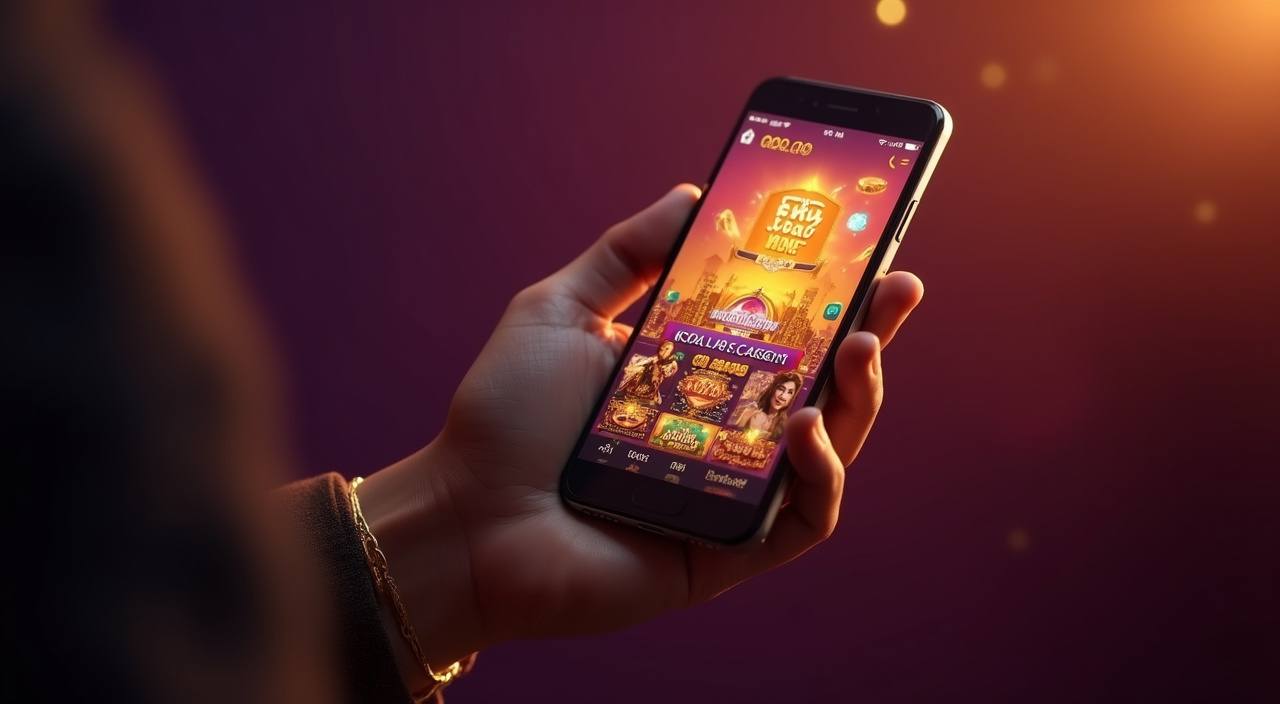
What to Expect When You Log In
Signing in to indianmataka takes under thirty seconds. Enter your registered mobile number or email, submit your password, and you land directly in the lobby dashboard. If you are opening an account for the first time, a one-time verification step confirms your identity before your wallet activates. Once that is done, every future login skips
the extra step. We store your session securely so you do not need to re-enter credentials each visit on a recognised device.
-
Verified in One Step First-time account holders complete a quick identity check that activates the full wallet. After that, signing in takes a single password entry on your saved device.
-
Encrypted Account Layer Every login request runs through TLS encryption and server-side hashing, so your credentials are never stored or transmitted in plain text at any point.
-
Full Lobby on Entry The moment you sign in, Live Blackjack, Spribe Aviator, Football Strike and all slot rooms are ready. No extra steps or redirects between your login and the game tiles.
-
Round-the-Clock Account Help If you hit a login issue at any hour, our support team is reachable via live chat and email. Average response for login-specific queries is under five minutes.
Your details are protected with encrypted, secure access.
Local Payment Methods in Your Account
Once you are signed in, your indianmataka wallet connects to the payment rails Indian users rely on every day.
Get Help With Your Account Access
Login problems happen — a forgotten password, an unrecognised device prompt, or a verification SMS that did not arrive. Our account support team is available around the clock through three channels so you can get back inside your account without waiting long. Every support agent has access to account-level detail and can resolve credential issues, reset login links, and confirm identity without you needing to repeat yourself across channels.
Live Chat
Reach a live agent directly from the login page by clicking the chat icon. Login-specific queries — password resets, OTP failures, locked accounts — are handled first in the queue so your wait is minimal.
Email Support
Write to our account team with your registered email address and describe the login issue. We aim to respond within two hours and send a resolution link directly to your inbox.
Help Centre
The account help section inside indianmataka covers step-by-step sign-in flows, password recovery, two-factor setup, and device management — all searchable without needing to log in first.
How We Protect Your Login and Data
Account security at indianmataka runs across several layers, from the moment you enter your credentials to the moment you close the session.
TLS Encryption
All login traffic between your device and our servers travels over TLS 1.3 encryption.
Password Hashing
We never store your password in readable form. It is converted to a cryptographic hash on entry, meaning even internal…
Identity Verification
New accounts complete a KYC step before the wallet is active.
Device Recognition
We flag login attempts from unrecognised devices with a secondary verification prompt.
Session Management
Each active login session has a finite timeout. If your account is idle, we close the session on your behalf…
Data Protection
Your login credentials, payment details, and personal data are stored in isolated, access-controlled environments.
Frequently Asked About Signing In
Below are the questions we hear most often about the indianmataka login process — from first-time account setup to recovering a locked account. If your question is not here, the live chat icon on the login page connects you to someone who can help immediately.